Is 16GB of RAM Still Enough for Competitive Gaming in 2026?
Yes — 16GB of RAM is still enough for competitive gaming in 2026, as long as your main games are esports titles like Valorant, CS2, League of Legends, or Rocket League. Those games are built to run on almost anything, and 16GB gives them comfortable headroom. The answer changes if you play large AAA games, stream, or keep lots of apps open while you play: in those cases 32GB is the safe pick. One detail matters as much as the total amount — running your RAM in a dual-channel setup (two sticks instead of one) has a real effect on performance.
What RAM Actually Does While You Game
RAM is your PC’s short-term workspace. While you play, it holds the game data the CPU needs right now — map data, textures waiting to be used, character models, and game state — because pulling that data from an SSD every time would be far too slow.
When RAM fills up, your PC starts swapping data to the much slower storage drive. That is when you feel it: stutters, hitching when you turn a corner, and frame drops in busy fights. So the real question is never “how much RAM does the game list on the box?” It is “how much does my whole system use while I play?” — the game, Windows, Discord, your browser, and everything else combined.
Esports Titles: 16GB Is Still Comfortable
Competitive games are designed for low system demands on purpose. Developers want the biggest possible player base, including people on older PCs, so titles like CS2 and Valorant stay light. During a normal esports session with Discord and a browser open, a typical system stays well within 16GB.
If your gaming is mostly or entirely competitive titles, 16GB is not a bottleneck and upgrading will not raise your FPS. Your money works harder spent on a faster monitor or a better mouse — see does a 240hz monitor give a competitive advantage or is it placebo for where upgrades actually pay off.
AAA Games: Where 16GB Gets Tight
Modern AAA games are heavier in every way: bigger worlds, higher-resolution textures, and more systems running at once. On their own, many still run on 16GB — but with less spare room. The typical pattern reported by players is not a crash or a refusal to run; it is occasional stutter when the system runs out of spare RAM and starts swapping.
That is why 32GB is the safe pick for AAA gaming in 2026. It removes RAM from the list of things you ever have to think about, and it protects you as new releases keep getting heavier.
Streaming and Multitasking Change the Math
Streaming is the scenario that pushes 16GB systems over the edge most often. Your game is no longer the only heavy app: streaming software, a browser with chat and dashboards, Discord, and recording tools all compete for the same memory.
The same applies to heavy multitasking — dozens of browser tabs, editing software rendering in the background, or a second game launcher updating. Each app alone is fine; together they can consume the headroom a 16GB system needs. If this sounds like your setup, treat 32GB as the recommendation, not the luxury.
RAM by Use Case: Verdicts
| Use case | 16GB verdict | Notes |
|---|---|---|
| Esports titles only | Enough | Comfortable headroom for competitive games plus Discord and a browser |
| AAA games | Workable, but tight | 32GB is the safe pick to avoid swapping stutters in heavier titles |
| AAA + streaming / multitasking | Not recommended | Streaming tools and background apps eat the headroom fast — go 32GB |
Dual Channel: The Detail That Matters as Much as Capacity
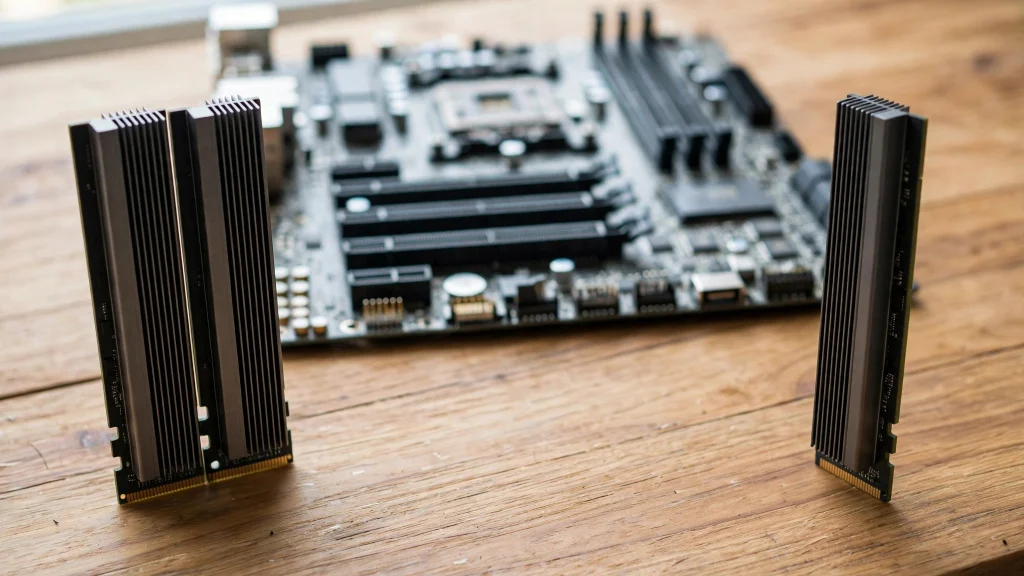
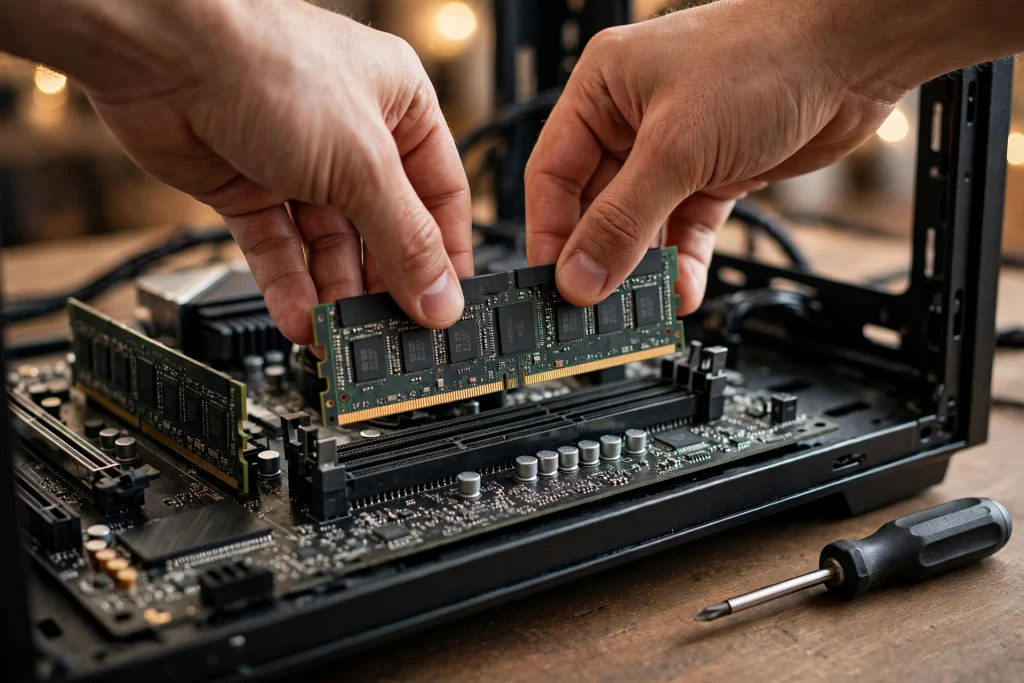
Here is the part many beginners miss: how your RAM is installed matters, not just how much you have. RAM runs in “channels,” and a dual-channel setup — two sticks, such as 2×8GB instead of a single 16GB stick — lets the CPU move data through both channels at once.
A single-stick setup leaves performance on the table, especially for systems using integrated graphics, and it is one of the most common hidden problems in budget and prebuilt PCs. If you currently run one stick, adding a matching second stick is often a smarter first upgrade than jumping to a bigger total. We cover this and other cheap wins in how to optimize windows for gaming.
The practical rules:
- Prefer two sticks over one at the same total capacity (2×8GB over 1×16GB, 2×16GB over 1×32GB).
- Run sticks in the correct motherboard slots for dual channel — your manual shows which pair.
- If you plan to upgrade later, a 2×8GB setup leaves room to grow on most boards.
A Quick Self-Check Before You Spend Anything
Do not guess — measure. Play your heaviest normal session for fifteen minutes with everything open that you usually keep open: the game, Discord, your browser, streaming software if you use it. Then open Task Manager’s Performance tab and look at the Memory reading.
If usage sits comfortably below your total — say, with a few gigabytes still free — RAM is not your problem, and stutter is coming from somewhere else. If usage is pinned at or near 100% during those moments, your PC is swapping to storage, and that is exactly the stutter an upgrade to 32GB fixes. Two minutes of checking beats buying parts on a hunch.
Should You Upgrade to 32GB?
Upgrade if any of these sound familiar: you play recent AAA games, you stream or record while playing, you keep many apps open during sessions, or you see stutter in busy scenes while your RAM usage sits near full in Task Manager.
Stay on 16GB if you play esports titles, close background apps while gaming, and your system never comes close to running out. In that case 32GB would sit mostly unused, and the money is better saved toward parts that change how the game feels. Not sure whether RAM is your problem at all? Our guide to why is my fps dropping in games walks through the checks in order.
FAQ
Will going from 16GB to 32GB increase my FPS?
Only if you were actually running out of RAM. If your system never fills 16GB, extra capacity sits unused and FPS stays the same. If you were swapping to storage, the upgrade removes stutters rather than raising your average FPS.
Is a single 16GB stick okay for gaming?
It works, but a 2×8GB dual-channel setup at the same capacity generally performs better. If you already own one 16GB stick, adding a matched second stick is an easy fix.
How long will 16GB stay “enough”?
For esports titles, comfortably through the next few years — those games target low hardware demands. For AAA gaming, 16GB is already the tight option in 2026, and 32GB is the future-proof pick.
Conclusion
16GB of RAM is still enough for competitive gaming in 2026, and for pure esports players it is all you need. Move to 32GB if AAA games, streaming, or heavy multitasking are part of your routine. Either way, run your memory in dual channel — that free detail matters as much as the capacity number on the box.