Chair height vs desk height for fps aim? (Tested & Explained)
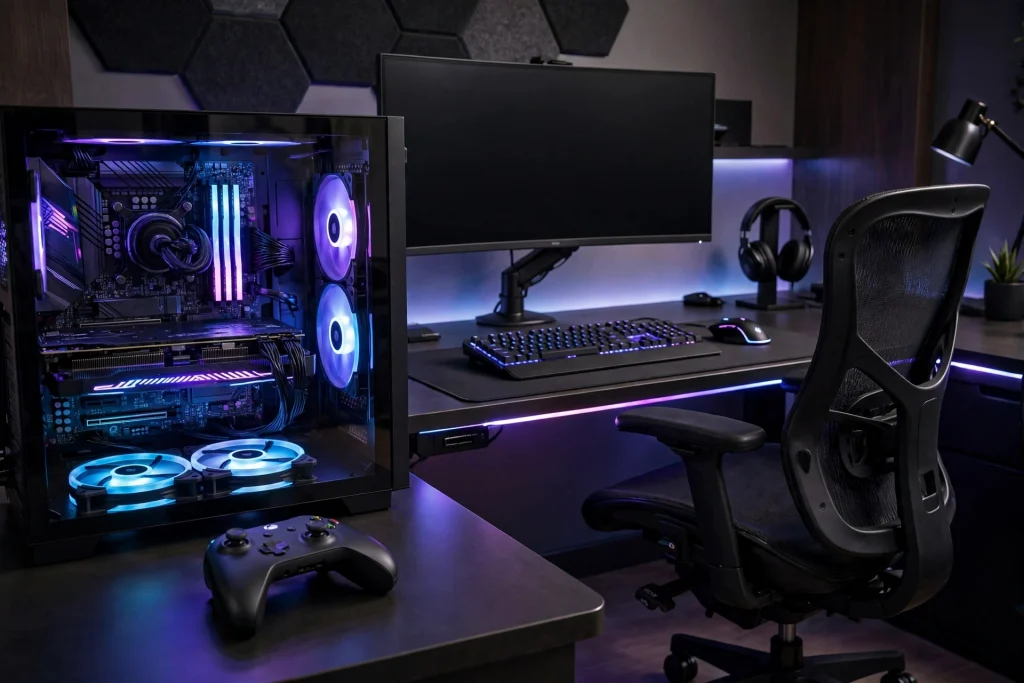
Yes — chair height versus desk height does affect FPS aim, and the fix is simple: sit high enough that your forearm is roughly level with your desk, your elbow is bent at about 90 to 100 degrees, and your shoulders stay relaxed. Too low and you aim with a raised shoulder and tense wrist. Too high and you press down into the desk and drag. Level, relaxed, and repeatable is best.
\u26a1 Quick answer
The best setup is not a specific chair height or desk height on its own. It is the relationship between the two.
Aim for this:
- Your feet rest flat on the floor, or on a footrest if the desk forces you to sit higher.
- Your elbow sits at roughly desk height, not well below it or well above it.
- Your forearm is close to parallel with the floor when your hand is on the mouse.
- Your wrist stays straight instead of bending sharply up.
- Your shoulders drop naturally. If you have to shrug to reach the mouse, you are too low.
The Evidence: Tests, Data and What They Actually Show
There is no magic number for every body, desk, and grip. What testing and ergonomics show is a pattern: a supported, relaxed arm moves smoother and more repeatably. Reaching up, pressing down, or shrugging adds tension, and tension makes small corrections jerky.
Aim uses two movements: big movements from your arm, small corrections from wrist and fingers. A chair too low forces your shoulder to lift, making you rely more on your wrist and tiring you faster. Too high, and your forearm pushes into the desk edge — friction rises, glide feels inconsistent, and flicks can stop short.
Posture is only one part of the picture, and other measurable factors matter too. For example, NVIDIA Reflex measured ranges reported in testing — in Fortnite performance mode, using LDAT-style measurement on an RTX 4070 system — are typically around 22-30ms with Reflex off, around 14-20ms with it On, and around 10-15ms with On+Boost. On reportedly costs roughly 2% FPS, and On+Boost roughly 4%, for that latency cut. Those numbers do not change your posture, but they show why two players with the same desk can still feel a difference in responsiveness.
The same applies to memory and controllers, which often get blamed for aim problems that are actually posture problems. For RAM in 2026, 16GB still runs esports titles fine, but 32GB is the safe recommendation for AAA games plus streaming or multitasking, and dual-channel configuration matters as much as capacity. For controllers, Hall Effect sticks measure position magnetically with no rubbing contacts, so the classic potentiometer-wear cause of stick drift is removed; drift from dirt or damage is still possible. Good hardware removes some problems, but it cannot fix a setup that forces your shoulder up all session.
To test it yourself, play the same routine for a few sessions at one height, change only the chair height slightly, then compare comfort and consistency at the end of a session.
For comparison, see does 4:3 stretched resolution actually give an advantage in cs2 — another topic where the perceived advantage and the measurable advantage are not always the same.
Why It Works This Way
The mechanism is simple biomechanics.
Your shoulder is built to let your arm hang and swing freely. When you raise it to reach a desk that is too high relative to your chair, the muscles around your neck and shoulder stay partly switched on the whole time. A muscle that is already tense cannot make fine, relaxed corrections as easily. Your aim feels stiff because, physically, it is stiff.
Your elbow angle matters too. At roughly a right angle, your forearm moves side to side with least effort. Bend it tighter (sitting too high and close) and your range shrinks. Straighten it too much (sitting low and far) and you reach, pulling your torso forward.
Your wrist is the final link. If the desk edge bends it upward, you lose a neutral grip and may compensate by clawing harder or pressing down — both add inconsistency.
A level forearm avoids most of this: shoulder down, elbow in its middle range, wrist straight. It does not guarantee better aim, but it removes a constant obstacle to the aim you already have.
When It Matters — and When It Honestly Does Not
This matters most if you play long FPS sessions, use low sensitivity with large arm movements, or finish with shoulder, neck, or wrist discomfort. If every long swipe starts with a shrug, your setup is fighting you.
It also matters if you have just changed desks or chairs and your aim suddenly feels off. Players often blame sensitivity, when the real change was sitting slightly lower than before.
It matters less in a few honest cases. If you play casually for short sessions, use high sensitivity with mostly wrist aim, and feel no discomfort, a small mismatch will probably not hold you back. If your sensitivity is wildly wrong, or you never practise, fixing your chair alone will not transform your rank. Posture is a foundation, not a shortcut.
It also does not replace other basics. Look at the whole picture, especially does a gaming chair actually help posture and whether your feet are supported.
| Setup problem | What it usually feels like | Likely fix |
|---|---|---|
| Chair too low for the desk | Shoulders shrug, wrist bends up, arm aim feels cramped | Raise the chair, or lower the desk if adjustable |
| Chair too high for the desk | Forearm presses into desk, mouse feels draggy | Lower the chair slightly, or raise the desk |
| Desk height good but feet dangle | Legs restless, you shift around often | Add a footrest or lower the whole setup |
| Forearm level but desk edge digs in | Wrist or forearm aches in long sessions | Move mouse and pad further onto the desk |
| Height fine but shoulder still tense | Aim is stiff late in sessions | Check monitor height and take regular breaks |
How to Apply It: Exact Settings to Use
You do not need special tools.
Step 1: Set the desk first, if adjustable. If your desk is fixed, skip this and adjust everything else around it.
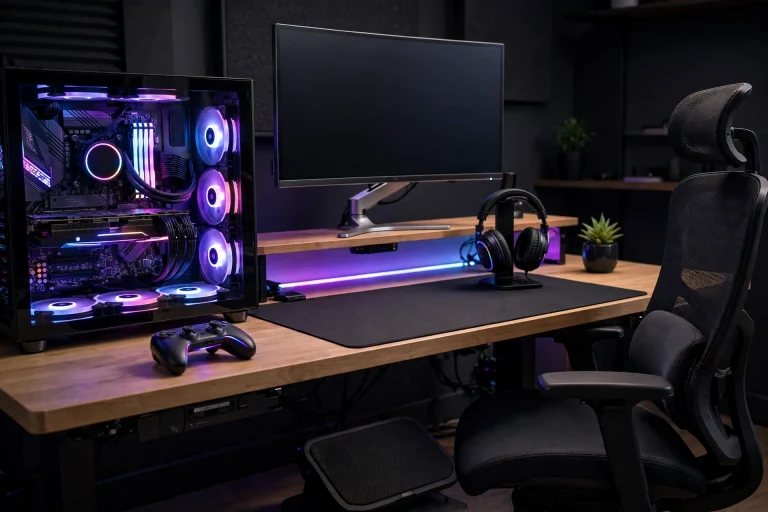
Step 2: Adjust the chair until your forearm is level. Sit normally, feet down, hand on the mouse as if playing. Is your forearm roughly parallel to the floor? Is your elbow close to your side, not winged out? Adjust in small steps.
Step 3: Fix your feet. If raising the chair to match a high desk leaves your feet dangling, do not lower the chair and ruin your arm position. Use a footrest, sturdy box, or stack of books instead. This is exactly the situation covered in does a footrest help gaming posture — supported feet keep your lower back stable, which keeps the rest of the chain stable too.
Step 4: Position the mouse and keyboard. Bring them close enough that you are not reaching forward. Your mouse should sit well onto the desk, not right on the edge, so your forearm rests on the surface or pad. Keep enough pad space for your longest normal swipe without hitting the keyboard.
Step 5: Check your monitor last. It should let you look straight ahead or slightly down, without hunching.
Step 6: Play-test, then lock it in. Play for 20 to 30 minutes and judge comfort and consistency at the end, not in the first five minutes. Note the chair height so you can return to it.
Do not change sensitivity the same day you change height — change one variable at a time, or you will not know what helped.
FAQ
Should my elbow be above or below the desk for FPS aim?
Neither, ideally. Your elbow and forearm should be roughly level with the desk, with your elbow bent at about 90 to 100 degrees and your shoulders relaxed. A little variation is fine if it feels neutral and pain-free.
Is it better to aim with my arm or my wrist?
Most FPS players use both: arm movement for large turns and wrist or finger movement for small corrections. A level setup supports that mix because it lets your arm move freely instead of forcing everything into your wrist.
My desk is fixed and too high. What can I do without buying a new one?
Raise your chair until your forearm is level, then support your feet with a footrest or a sturdy household alternative so they are not dangling. That solves most fixed-desk problems without replacing furniture.
Conclusion
Chair height versus desk height is not a minor comfort detail — it sets the position your shoulder, elbow, and wrist aim from for every minute you play. Get the relationship right: forearm level, elbow near a right angle, shoulders down, feet supported. Then leave it alone, practise on a stable foundation, and judge the change after a full session, not a single game.