Can you use studio headphones for competitive gaming? (Tested & Explained)
\u26a1 Quick answer
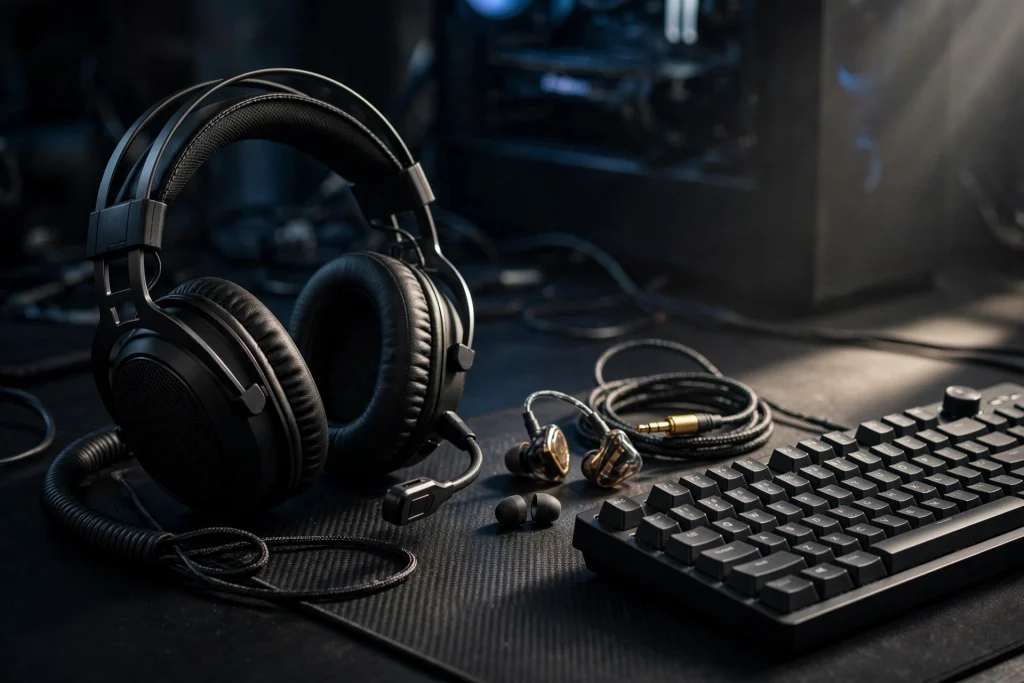
Yes, you can absolutely use studio headphones for competitive gaming, and for pure sound quality they are often better than a typical gaming headset. They play game audio clearly, help you hear cues like footsteps, and work on PC with no special gaming features required. The trade-offs are practical, not about sound: most studio headphones have no built-in microphone, no wireless connection, and no gaming software. Add a separate mic, set up your EQ carefully, and they become a serious competitive setup.
Many beginners assume “gaming” on the box means better performance. It usually means extra features — a mic, lighting, surround processing, and console controls — not automatically clearer audio.
The Evidence: What Actually Helps You Play Better
Competitive audio is not about hearing everything louder. It is about hearing the right sounds clearly, judging where they came from, and doing that consistently for a whole match.
Studio headphones help with the first part. They are designed for detailed listening, so quiet details tend to be easier to pick out than on a headset tuned mainly for heavy bass and big explosions. In a shooter, that matters most for small cues: movement, reloads, abilities, and doors. Those sounds are easy to lose when bass-heavy effects cover them.
Direction is more complicated. Good direction does not come from a “gaming” label or from turning every effect on. It comes from a clean stereo image, a consistent fit, and settings that do not distort the cues the game already provides. This is why some players try virtual surround and play worse. Before stacking extra processing on good headphones, read does 7.1 virtual surround sound help or hurt in fps games.
Consistency explains a setup you have probably seen in pro tournaments. Why do pros wear in-ear monitors under a headset? The IEM gives a sealed, consistent fit and real isolation; the headset over it plays white noise and the game audio mix and carries the mic. It is a noise-control system, not a fashion choice. In a loud arena, that system keeps outside noise out and keeps the mix the same every time.
You do not need to copy that setup at home. The lesson is simpler: a stable fit and good isolation can matter as much as the headphone itself. If your headphones shift or let in fan noise, your direction and focus will suffer.
| Setup | Strength for competitive play | Main weakness | Best for |
|---|---|---|---|
| Studio headphones | Clear, detailed sound; good for footsteps and small cues | Usually no mic; usually wired; isolation varies | PC players who can add a separate mic |
| Gaming headset | Built-in mic, easy controls, all-in-one convenience | Tuning can favour bass over detail | Players who want one simple purchase |
| IEMs | Sealed, consistent fit and real isolation | Fit can be uncomfortable for some; mic still needed | Loud rooms and LAN events |
| Studio headphones + separate mic | Detailed sound plus clear voice chat | More cables and setup | Players building a long-term desk setup |
The verdict: studio headphones win on listening detail, headsets win on convenience, and IEMs win on isolation and consistency. None of them magically gives you better aim or game sense.
Why It Works This Way
A game already builds its audio world in stereo. When an enemy moves to your left, the game makes that cue different in your left ear. Your headphones just need to reproduce that information cleanly. Studio headphones are built for faithful playback, which is why they translate well to competitive play.
Footsteps are a good example. Footstep cues live mostly in the upper-mid and high frequencies. That is why EQ moves that raise that band can help footsteps stand out. It is also why restraint matters: over-boosting that band hurts direction accuracy and makes the game sound harsh and tiring. A small lift helps you notice cues; a huge lift makes judging distance and direction harder.
Bass works the opposite way for many beginners. Strong low-end feels powerful, but explosions, vehicles, and music can mask quieter cues you need in a ranked match. Studio headphones often present a flatter, less exaggerated balance, so those masking effects are less overwhelming and small details are less likely to be buried.
Your room matters too. A design that lets in outside sound can feel natural but struggles in a noisy room. A more isolating design protects your cues, but can feel closed-in. Pick based on your room, not hype.
Latency is the other concern, especially when comparing wired studio headphones with wireless options. A wired connection avoids the wireless question entirely, which is one quiet advantage of most studio models. If you are considering wireless instead, check do 2.4ghz wireless gaming headsets have audio delay.
When It Matters — and When It Honestly Does Not
Studio headphones matter most in games where audio decides fights. Tactical shooters, battle royales, and arena shooters reward players who hear a flank early, track movement through a wall, or catch a quiet utility sound. In those games, clearer detail and calmer bass can give you information a few moments sooner — and a few moments is often the whole fight.
They also matter in long sessions. A comfortable, balanced pair you can wear for hours without fatigue protects your concentration and keeps quiet cues audible.
They matter less elsewhere. If you mainly play single-player story games, racing games, or casual modes with friends, convenience and immersion may matter more than footstep detail. A standard gaming headset with a good mic may be the happier purchase.
They do not fix bigger problems: bad positioning, poor map knowledge, or wrong in-game settings. Volume discipline also matters for your health — see do iems damage hearing at gaming volumes.
Finally, they suit a PC desk better than a couch, where long cables and a separate mic are annoying.
How to Apply It: Exact Settings to Use
Start simple, change one thing at a time, and test each change in a practice mode or low-stakes match.
Step 1: Start flat. Set EQ to flat or off, and turn off extra surround processing, bass boost, and enhancer effects. Play a few rounds. This is your baseline, and for many studio headphones it is already good.
Step 2: Set in-game audio first. Use the game’s headphone or stereo preset if it offers one. Balance chat and game volume so voices are clear but never cover footsteps.
Step 3: Add a small EQ lift only if needed. If footsteps feel buried, raise the upper-mid and high band by a small amount and test again. If voices become painful, gunshots turn piercing, or direction feels less precise, you have gone too far — back it off. Judge EQ from actual movement sounds in game, not from a menu.
Step 4: Try Windows Loudness Equalization carefully. Windows Loudness Equalization compresses dynamic range: quiet sounds like footsteps get louder, and loud sounds like gunshots get capped. It is free and built into Windows, so it is worth testing if you struggle to hear quiet cues. But it can flatten directional cues on some setups. Test it on and off in the same situation, and keep it only if direction still feels clear.
Step 5: Solve the mic separately. Use a USB desk mic, a clip-on mic, or an attachable boom mic. Test your voice before a ranked session, keep the mic close and slightly to the side of your mouth, and use push-to-talk if your room is noisy.
Step 6: Lock in comfort and volume. Adjust the fit so it stays the same every session — consistency is part of why the pro IEM system works. Set volume to the lowest level where quiet cues are still clear, and take breaks. Louder is not more competitive.
FAQ
Do studio headphones have surround sound?
Most play the game’s stereo audio directly, without built-in virtual surround. That is fine for competitive play, because the game itself creates left and right direction cues. Extra processing is optional, and it can help or hurt depending on the game and your setup.
Can I use studio headphones on console?
Usually yes, if they use a standard connection your controller or console accepts, but you will still need a separate solution for voice chat, and cable length and volume control can be less convenient than with a console headset. Test chat and volume first.
Are studio headphones better than gaming headsets for footsteps?
They can be, because their clearer, less bass-heavy balance makes small upper-mid and high-frequency cues easier to notice. But fit, isolation, EQ, and the game itself matter too. A well-set-up headset can outperform a poorly set-up studio pair.
Conclusion
Yes — studio headphones are a smart competitive choice, especially on PC if you already own a pair. Their weaknesses are fixable: add a mic, keep EQ subtle, test Loudness Equalization instead of trusting it blindly, and keep your fit consistent. Do not skip them just because the box does not say “gaming.”