Does loudness equalization give an unfair advantage? (Tested & Explained)
No, loudness equalization does not give an unfair advantage in the cheating sense — it is a free Windows setting anyone can turn on, and no major game bans it. It does give a real edge in one narrow area: it makes quiet sounds like footsteps louder while capping loud sounds like gunshots. For beginners who miss audio cues entirely, that trade can help. For players who rely on precise directional audio, it can make things worse.
Quick Answer: The Verdict in 2-3 Lines
Loudness equalization is legal, accessible to everyone, and best described as a hearing aid, not a hack. It compresses your game’s audio so quiet parts get boosted and loud parts get pulled down. You will hear footsteps earlier, but you may lose some volume differences your brain uses to judge distance and direction.
If you play casually, in a noisy room, or on basic headphones, it will probably help. If you play competitively with good gear and trained ears, you will probably prefer it off.
The Evidence: What Tests and Play Actually Show
Picture a typical round in a tactical shooter. A footstep around a corner is one of the quietest useful sounds in the game. A rifle shot is one of the loudest. Without processing, that gap — the dynamic range — is huge. Many players turn the volume up to hear the footstep, then get blasted by the gunshot. Others keep it comfortable for gunshots and never hear the footstep at all.
Loudness equalization shrinks that gap. Players typically report three consistent results when they switch it on:
First, quiet cues become easier to notice. Footsteps, reloads, and distant movement sit higher in the mix, so they cross your hearing threshold sooner.
Second, loud sounds stop dominating. Gunshots and explosions get capped, so they no longer mask everything else. You can play at one comfortable volume instead of reaching for the dial.
Third, direction and distance get less precise on some setups. A footstep that should sound faint because it is far away can be boosted to sound closer than it is, and vertical and front-back cues can feel flatter.
That third point is the honest limit of the “advantage” claim. Loudness equalization does not add information. It does not reveal enemies through walls or show you anything the game did not already send to your headphones. It simply rebalances what you already hear — similar to the trade-off discussed in does 7.1 virtual surround sound help or hurt in fps games, where processing helps you notice sounds while changing how accurate they feel.
Pros, meanwhile, focus far more on fit, isolation, and a clean audio chain than on Windows enhancements — which explains a setup beginners often find confusing, covered below.
Why It Works This Way: The Mechanism, Simply Explained
Think of loudness equalization as an automatic hand on your volume slider. When the game goes quiet, it pushes the volume up. When the game gets loud, it pulls it down — fast, and many times per second. Technically this is dynamic range compression, and Windows Loudness Equalization is a simple, free, built-in version of it.
That explains both the benefit and the drawback. Volume is information: a louder footstep usually means a closer enemy, a quieter one a farther enemy. When a compressor boosts the quiet footstep and caps the loud one, it weakens that difference. Your brain gets a clearer “something is there” signal, but a fuzzier “exactly where and how far” signal.
Footstep cues add another layer. They live mostly in the upper-mid and high frequencies — the scrape of a boot, the tap on concrete, the rustle of gear. EQ moves that raise that band help footsteps stand out, which is why many “footstep EQ” presets boost that region. But over-boosting hurts direction accuracy: push those frequencies too hard and everything sounds harsh and close, and subtle left, right, front, and back differences get harder to read. Loudness equalization is not an EQ — it works across all frequencies at once — but it creates a similar trade-off between hearing more and locating precisely.
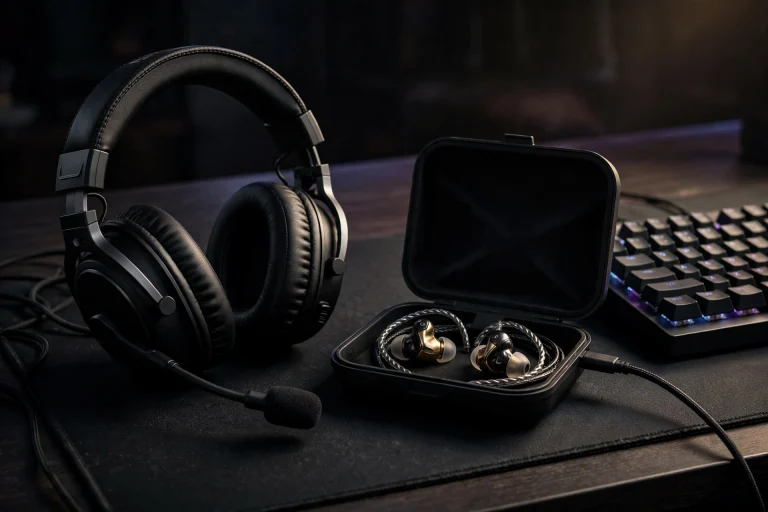
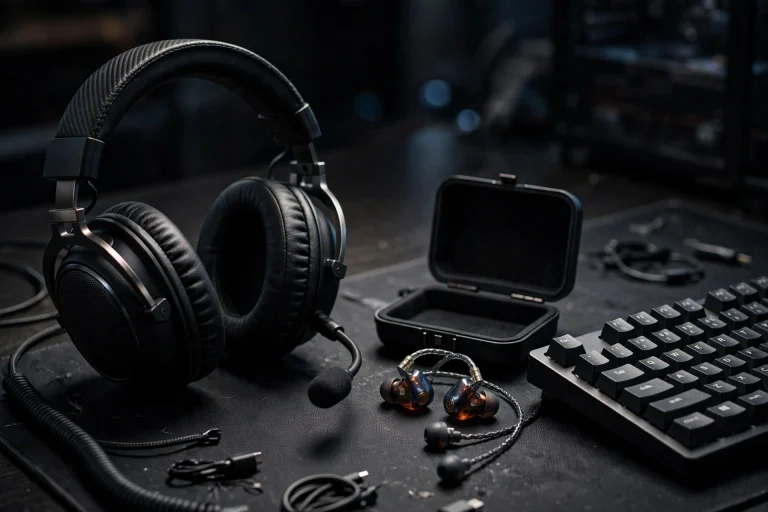
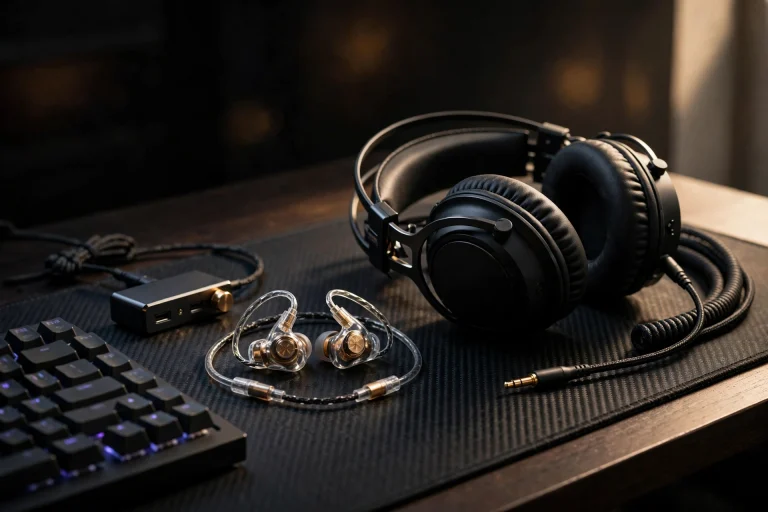
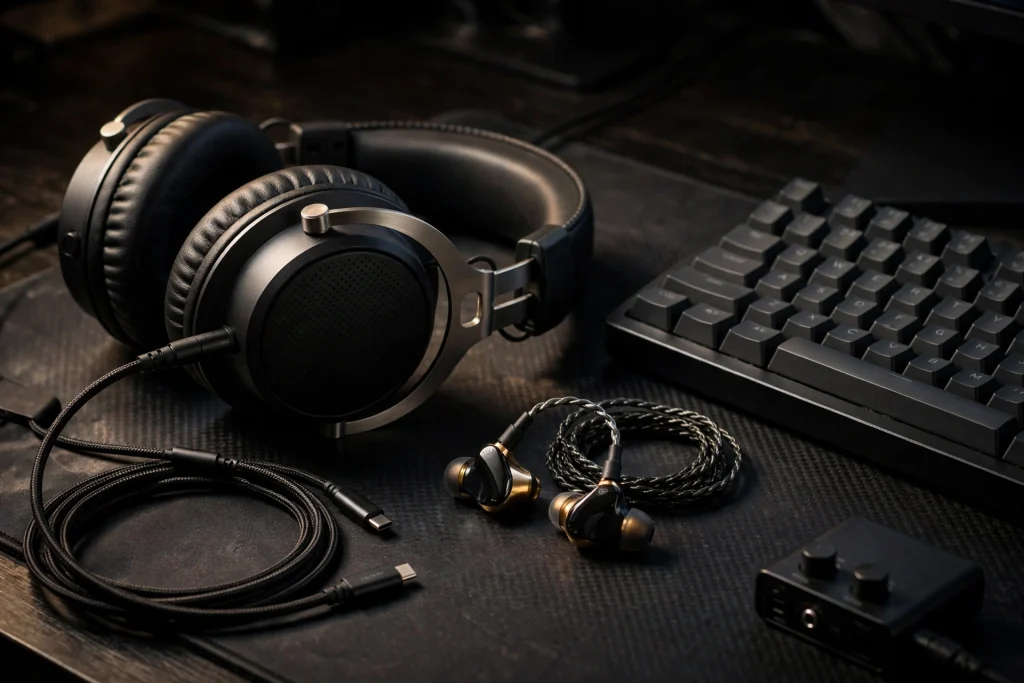
This is also why the pro setup looks strange to newcomers. Why wear in-ear monitors under a full headset? The IEM gives a sealed, consistent fit and real isolation, so game audio is clean and repeatable. The headset over it plays white noise and the game audio mix and carries the mic. It is a noise-control system, not a fashion choice. In a loud arena, controlling what reaches your ears matters more than any Windows toggle — the same principle behind does noise cancelling help focus in fps games.
When It Matters — and When It Honestly Does Not
Loudness equalization matters most in specific situations, and barely at all in others.
| Situation | On | Off |
|---|---|---|
| Casual play in a noisy home | Helps — cues cut through room noise | Footsteps easily lost |
| Basic or low-volume headphones | Helps — boosts quiet details | Mix can feel thin |
| Tactical shooters | Mixed — louder footsteps, harder distance | More natural direction |
| Loud games with constant explosions | Helps — loud peaks capped | Frequent volume riding needed |
| Competitive play on good gear | Often hurts — cues can flatten | Most accurate sound |
| Story and cinematic games | Hurts immersion | Full dynamic range as designed |
It matters most if you are a beginner who misses cues entirely. Hearing a footstep late is worse than hearing it with slightly fuzzy distance. It also helps if your room is not quiet, or if you play at low volume late at night.
It matters much less if your game already has a well-mixed audio engine, if you use good headphones that reveal quiet details without help, or if you have trained your ears to read natural volume differences. And as a fairness issue in public matchmaking, it barely counts: the setting ships with Windows, costs nothing, and is available to every player in the lobby. An advantage anyone can switch on in thirty seconds is a setting choice, not an unfair edge — similar reasoning applies to does windows sonic help with footsteps.
How to Apply It: Exact Settings to Use
Test it properly: change one thing at a time, over a few full matches.
Turn on Windows Loudness Equalization:
- Right-click the speaker icon in your taskbar and open Sound settings.
- Select your headphones or headset as the output device.
- Open the device properties and find the Enhancements tab (on newer Windows versions, look under Audio enhancements / additional device properties).
- Check “Loudness Equalization” and click Apply.
- Set your game volume to a comfortable level where gunshots sound controlled, then leave the volume alone while you test.
Test it the right way:
- Play two or three matches with it on, in your main game.
- Note two things separately: how early you notice footsteps, and how accurately you can tell where they are from.
- Play the same number of matches with it off, at a similar volume.
- Keep the version where your first turn is correct more often, not just the one that sounds louder.
Simple rules for best results:
- Do not stack heavy processing. Turn off extra surround effects and aggressive EQ boosts at first, so you know what is helping.
- If you add EQ later, raise the upper-mid and high frequencies only slightly. Small moves help; big boosts hurt direction accuracy and cause fatigue.
- Avoid running a game’s built-in compression and Windows compression at full strength together — the sound can become flat and confusing.
- If footsteps sound louder but you keep guessing the wrong floor or direction, turn it off. That is the setting’s known weakness on your setup.
FAQ
Is loudness equalization considered cheating?
No. It is a standard Windows enhancement, available to everyone for free, and it does not change game files or reveal hidden information. Anti-cheat systems do not ban it — it is in the same category as changing your volume or EQ.
Will loudness equalization help me hear footsteps in every game?
It helps most where footsteps are much quieter than gunshots, typical of tactical shooters. Where footsteps are already mixed loudly, the difference will be small, and flattened directional cues may not be worth it.
Should I use loudness equalization or a footstep EQ instead?
They do different jobs. Loudness equalization controls volume differences between quiet and loud sounds; a footstep EQ raises the upper-mid and high frequencies where footstep cues live. Start with one, test it, and only combine them gently if each helps alone.
Conclusion
Loudness equalization is not an unfair advantage — it is a free, legal trade. You gain clearer, earlier footsteps and more comfortable loud sounds, and you pay with flatter distance and direction cues on some setups. For beginners, casual players, and anyone in a noisy room or at low volume, that trade is usually worth it. For competitive players with good gear, natural audio usually wins. Test both for a few matches and keep the one that makes your first reaction more accurate.