Do pros use surround sound or stereo? (Tested & Explained)
Most professional FPS players use stereo, not virtual surround sound. They play with a plain stereo signal, often with a good in-game HRTF or spatial audio setting turned on, because it gives them cleaner, more accurate directional cues. Virtual 7.1 surround can make a game feel bigger and more cinematic, but for spotting exactly where a footstep came from, stereo is the setup the pros trust — and in this guide we will show you the evidence, explain why it works, and give you the exact settings to copy.
Quick Answer: The Verdict in 2-3 Lines
Pros overwhelmingly choose stereo. Virtual surround is extra software processing layered on top of a stereo signal, and that processing can blur the precise cues competitive players rely on. If your goal is winning gunfights rather than feeling immersed in a movie scene, stereo with well-tuned in-game audio is the answer.
That does not mean surround is useless. For ranked FPS, clarity beats width. For single-player adventures and movies, a wider sound can be more fun. The rest of this article explains the difference so you can pick the right mode for each game.
The Evidence: Tests, Data and What They Actually Show
Tournament setups are built for consistency and low delay, not flashy effects. Competitive wireless headsets ship with a proprietary 2.4GHz USB receiver for a reason: Bluetooth audio typically lags far more, around 100ms or more, than those dedicated dongles. When you react to a footstep or a grenade pin in a fraction of a second, that delay is a real handicap. Pros avoid anything that adds lag or unpredictability — and the same thinking applies to audio processing.
Virtual surround gets the same treatment. Virtual 7.1 surround is software processing on a stereo signal — your headset still has two drivers, one for each ear, and the software tries to trick your brain into hearing sounds as if they came from seven speakers and a subwoofer. Tests and player experience consistently point to the same trade-off: it widens the sound, but it can smear imaging. Imaging is your ability to pinpoint a sound’s exact direction and distance. A wider, smeared soundstage might make an explosion feel huge, yet make it harder to tell whether an enemy is front-left, directly left, or back-left — the exact distinction that decides a fight.
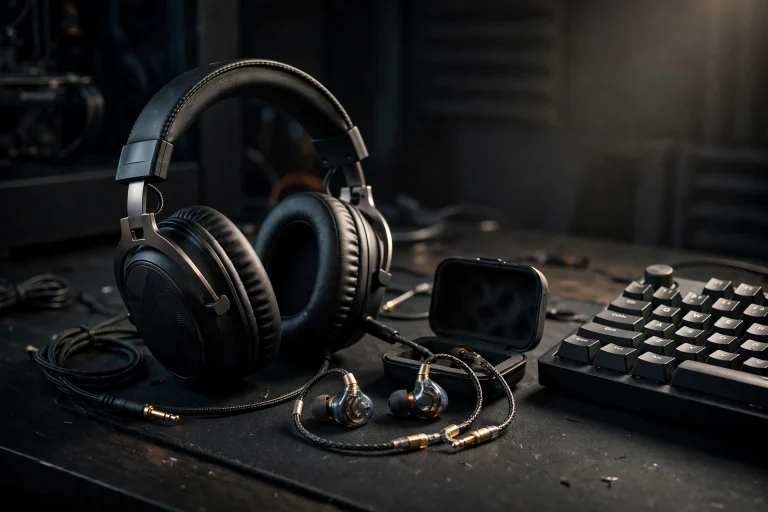
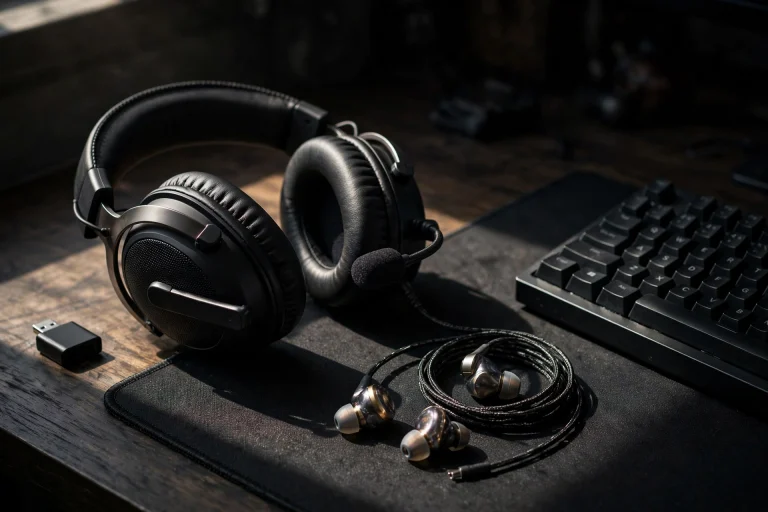
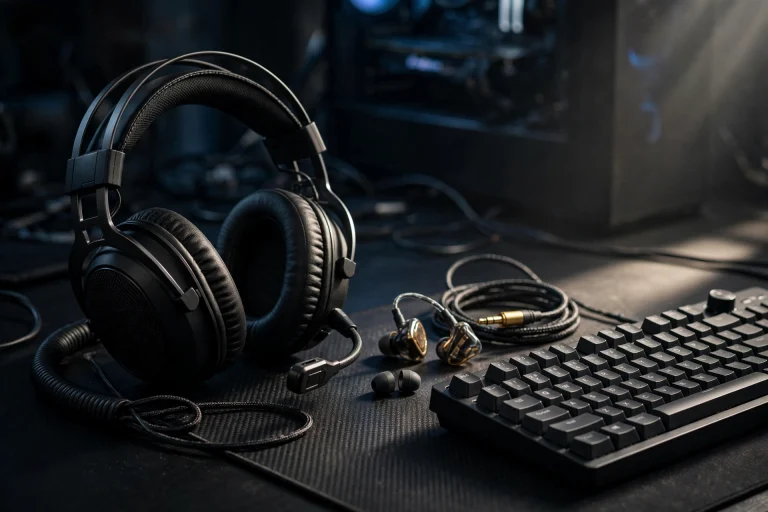
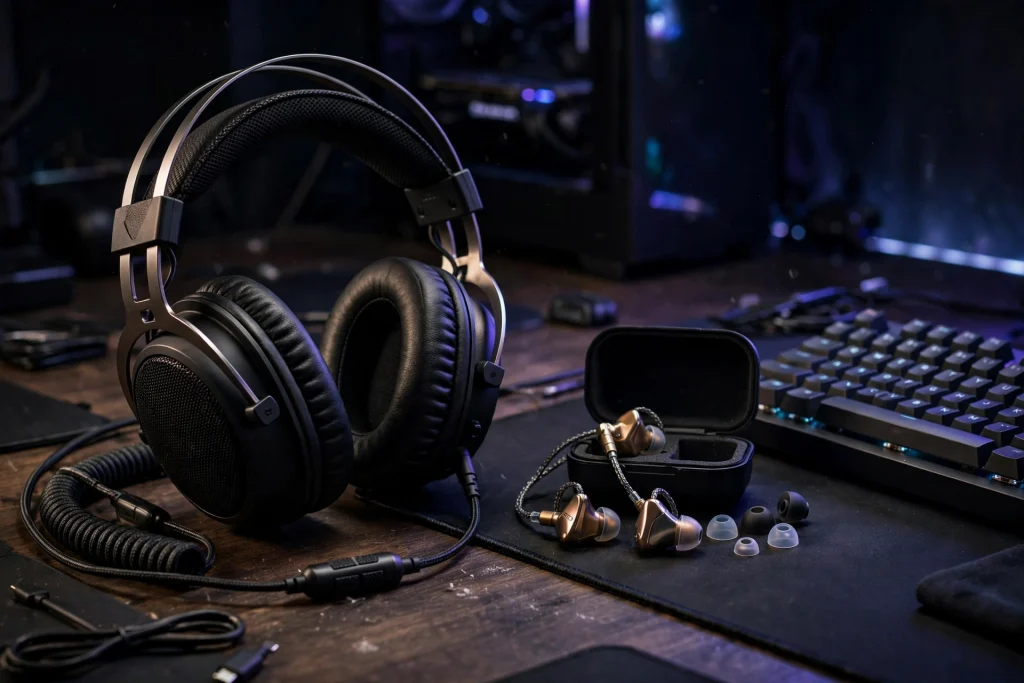
This is also why pros wear in-ear monitors under a full headset on stage. The IEM gives a sealed, consistent fit and real isolation, so the player hears the game the same way every match. The headset over it plays a white noise and game audio mix and carries the microphone. It is a noise-control system for loud arenas, not a fashion choice. Everything about the pro audio chain is designed for reliable cues, not the biggest sound — and stereo fits that philosophy perfectly.
For the deeper breakdown, read does 7.1 virtual surround sound help or hurt in fps games after this guide.
Why It Works This Way: The Mechanism, Simply Explained
Your brain locates sounds using the tiny differences between what your left and right ears hear. A sound on your right reaches your right ear a fraction earlier and a little louder than your left ear. Your brain reads those time and volume differences, plus subtle changes in tone caused by the shape of your ears, and turns them into a direction. This is exactly what HRTF — head-related transfer function — audio tries to model in games.
A clean stereo signal preserves those cues well. The game engine already positions sounds in a virtual space and sends your headphones a two-channel mix built for two ears. When you then add virtual surround processing on top, another layer of software re-processes that mix, adding effects such as simulated reflections, reverb, and channel blending. Each extra layer is another chance for the original cues to get softened or shifted. The result often feels more spacious, but the edges of each sound get less sharp — and sharp edges are what let you snap your crosshair to the right doorway.
Think of it like a photo filter: it can make a picture look dramatic, but it adds no real detail and can blur fine lines. Virtual surround is a filter for audio. Good in-game HRTF is different — it works from the game’s original positional data, so it keeps cues cleaner. That is why the pro approach is not “no spatial audio at all”: it is stereo output, with the game’s own HRTF doing the positioning. Gear matters less than settings, too — see do you need an amp for gaming iems.
When It Matters — and When It Honestly Does Not
Stereo matters most in competitive, information-driven games. In tactical shooters and battle royales, you are constantly making decisions from sound alone: Is that footstep above or below? Is the defuse real or a fake? Is someone flanking behind the wall? In those moments, accurate imaging is a genuine competitive advantage, and a smeared cue can send you looking the wrong way.
It matters less elsewhere: in single-player and story games, atmosphere often beats precision; in movies and streams, wider can sound fuller; and in casual play, comfort and fun should win. On very cheap headsets, the difference between modes may be small either way. The honest summary: surround is a preference for immersion, stereo is a tool for performance. Many players use stereo and HRTF for ranked, and a wider mode for campaign nights.
| Situation | Recommended mode | Why |
|---|---|---|
| Ranked tactical FPS | Stereo + in-game HRTF | Cleanest imaging for footsteps and callouts |
| Battle royale endgame | Stereo + in-game HRTF | Precise direction matters most in final circles |
| Story / open-world games | Stereo or virtual surround | Either works; surround adds atmosphere |
| Movies and streams | Virtual surround if you enjoy it | Width and fullness beat pinpoint accuracy |
| Loud tournament-style setup | IEMs for isolation | Sealed fit and consistent, isolated cues |
How to Apply It: Exact Settings to Use
Copy this setup, then adjust one thing at a time.
- Set your headset to stereo. In Windows, your headset software, or your console settings, turn off virtual 7.1 surround and any extra surround processing. Set the output to stereo or two-channel where the option exists.
- Turn on the game’s own spatial audio. In your game’s audio menu, enable its HRTF, spatial audio, or headphone mode if it has one. Let the game do the positioning from its original data.
- Disable double processing. Never run game HRTF and headset virtual surround at the same time. Two layers of processing fighting each other is the most common cause of muddy, confusing audio.
- Use a wired or 2.4GHz connection for competitive play. Avoid Bluetooth for ranked matches, because Bluetooth audio typically lags around 100ms or more compared with the low-delay connection a proprietary 2.4GHz dongle provides.
- Pick a consistent volume and stick with it. Set a level where quiet footsteps are audible but gunshots are not painful. Consistency trains your ears.
- Test in a controlled way. Load a practice range, close your eyes, and point where each sound came from. If cues feel vague, check that no surround setting has switched itself back on.
For a second opinion, compare your results with does 7.1 virtual surround help or hurt in fps games. Give stereo a few full sessions before judging it — it can feel narrow at first, but most players find their directional calls get faster and more confident as their brain relearns the cleaner cues.
FAQ
Do any pros use virtual surround sound?
A small number may use a game’s built-in spatial audio, but the common pro pattern is plain stereo output with no extra virtual 7.1 processing from the headset. The priority is always clean, predictable cues with no added lag or smearing.
Is stereo better than surround for hearing footsteps?
For most players on most headsets, yes. Stereo preserves the original directional cues the game sends, while virtual surround widens the sound and can smear imaging, making exact footstep direction harder to judge.
Should I buy a 7.1 headset anyway?
You can — most “7.1” gaming headsets are stereo headsets with software processing you can simply turn off. Buy based on comfort, microphone quality, and a low-latency wired or 2.4GHz connection, and treat the 7.1 label as an optional extra, not the main feature.
Conclusion
So, do pros use surround sound or stereo? Stereo — clearly and consistently. They skip virtual surround because it is extra processing that can blur the imaging they depend on, they use low-latency connections because delays around 100ms or more from Bluetooth are too costly, and even their on-stage IEM-under-headset setup is built purely for reliable, isolated cues. Copy their approach: stereo on, game HRTF on, double processing off. You will hear less “big” — and a lot more of what actually wins fights.