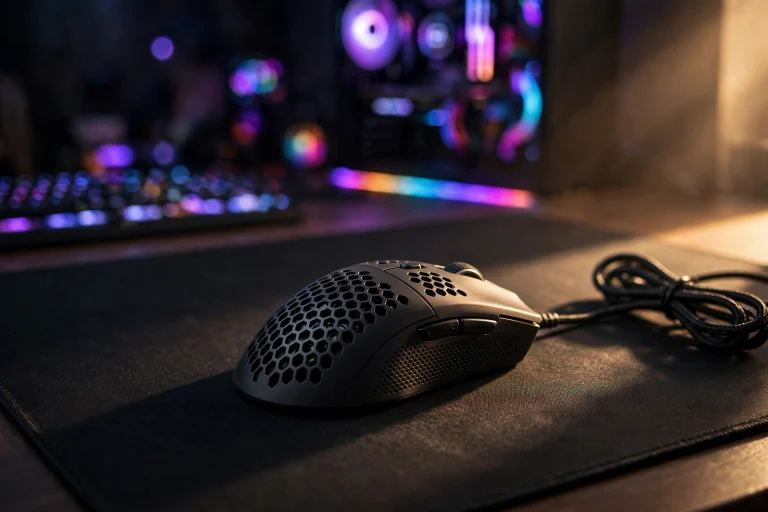
Does a heavy mouse affect input lag? (Tested & Explained)
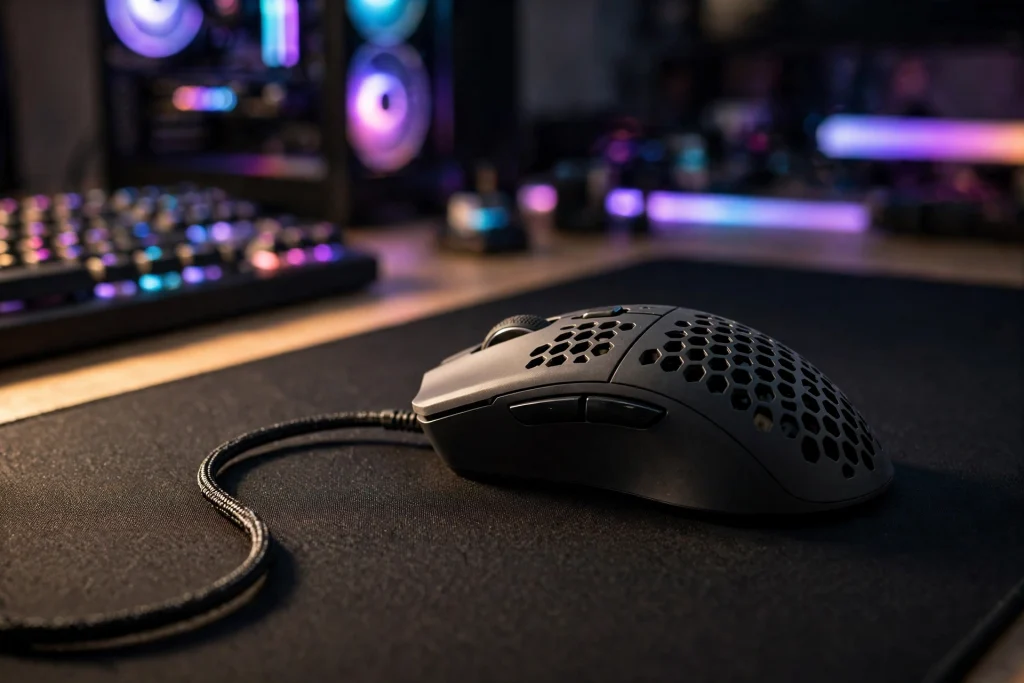
No, a heavy mouse does not increase electronic input lag. The sensor, polling rate, and click signal travel at the same speed no matter how much the mouse weighs. What weight does change is you — how fast you can start, stop, and correct a movement. That human delay feels like lag, which is why so many players swear a heavy mouse is slower.
If you buy a lighter mouse expecting faster clicks, you will be disappointed. If you buy one because flicks feel snappier, you are chasing the right benefit.
Quick Answer: The Verdict in 2-3 Lines
Weight does not affect input lag in the technical sense. Input lag is the time in milliseconds from movement or click to the signal reaching your PC, and that chain depends on the sensor, firmware, and polling rate — not mass.
Weight does affect perceived lag. A heavier mouse takes more force to move and stop, so aim can feel sluggish in fast flicks. For most beginners, the fix is not a new mouse first — it is better sensitivity and a sensible polling rate.
The Evidence: Tests, Data and What They Actually Show
When people test input lag properly, they separate two things players often mix together: electronic delay and movement speed.
Electronic delay is consistent. Two mice with the same settings and polling rate — one light, one heavy — are reported to send the signal in essentially the same time. The computer only receives reports from the sensor; it does not know the shell weight.
Movement speed is where the difference shows. Players typically start a flick later with a heavier mouse, overshoot more, and need an extra correction. That does not show on a latency graph, but it shows on screen as a shot that arrives late.
Polling rate is a real electronic factor, and it helps put weight in perspective:
| Setting | How often it reports | Delay between reports | What it means for you |
|---|---|---|---|
| 1000Hz polling | 1,000 times per second | 1ms | Standard, smooth, and fine for most players |
| 8000Hz polling | 8,000 times per second | 0.125ms | Smaller gaps between reports, but higher CPU load in some titles |
| Heavy mouse, same polling | Same as above | Same as above | No extra electronic delay — just more effort to move |
| Light mouse, same polling | Same as above | Same as above | No less electronic delay — just less effort to move |
Changing polling from 1000Hz to 8000Hz changes the report interval from 1ms to 0.125ms. Changing weight changes nothing in that column at all.
Sensitivity tells a similar story. Valorant pros average roughly 280 eDPI, while CS2 pros average roughly 800 eDPI. Most beginners play far too high, making movement twitchy and hard to stop — heavy or light. Lower sensitivity often fixes the “laggy” feeling faster than any purchase.
If you are wondering whether chasing 8000Hz is worth it, read this next: does 8000hz polling rate cause cpu stuttering
Why It Works This Way: The Mechanism, Simply Explained
Think of your mouse as two systems working together.
The first system is electronic. You move or click, the sensor tracks the surface, and the mouse sends reports to your PC at your polling rate. That is where true input lag lives: sensor processing, the polling interval, transmission, and then your PC, monitor, and game engine. Weight is not part of this system.
The second system is physical — that is you. A heavier object resists starting and, once moving, resists stopping. You apply more force to start a flick and more braking force to end it. Over one movement the difference is tiny. Over hundreds of flicks in a match, it adds up to fatigue and slower corrections.
That is why a heavy mouse can feel stable when holding angles, but like resistance in a fast fight with constant target switching.
Another piece beginners miss: higher DPI with lower in-game sensitivity reduces pixel skipping and lets the sensor register movement sooner, while keeping total eDPI the same when testing. Your crosshair moves the same distance, but the start is picked up more smoothly — a free settings win.
For the other side of this debate, see: does a light mouse affect input lag
When It Matters — And When It Honestly Does Not
Weight matters most if you recognise yourself here:
You play fast, flick-heavy shooters. Quick turns, target switching, and constant re-centering will tire your wrist and arm faster with a heavy mouse, and make stopping precisely harder.
You use low sensitivity and your whole arm. Low-sensitivity players move the mouse over large distances. More weight over longer distances means more effort every swipe, and fatigue builds across a session.
You are always late to correct. If you overshoot, drag back, then overshoot again, the problem is often stopping power — and weight makes stopping harder.
Weight honestly does not matter much if:
You mostly hold angles or play slower-paced games. Strategy, story, and slower tactical play do not punish extra weight the same way. Comfort and shape matter more.
Your sensitivity is far too high. Fix that first. If you are playing well above the typical pro eDPI ranges above, lowering sensitivity will improve control far more than dropping weight.
Your mousepad or grip is the real problem. A pad that is too small, uneven friction, or a grip that forces your fingers to fight the mouse can all feel like lag. Rule those out before blaming weight.
You love the shape. A heavier mouse that fits your hand will usually beat an ultralight shape you cannot grip comfortably.
Accuracy is a separate question from lag. For that breakdown, check: does a light mouse affect aim accuracy
How to Apply It: Exact Settings to Use
You do not need new gear to test this properly. Work through these steps in order:
1. Keep your eDPI consistent when you test anything. eDPI is your mouse DPI multiplied by your in-game sensitivity. If you raise DPI, lower in-game sensitivity by the same proportion, so you test smoothness — not a different aim speed.
2. Try higher DPI with lower in-game sensitivity. This reduces pixel skipping and lets the sensor register movement sooner. Change one step at a time, play a few matches, and note whether tracking feels smoother.
3. Set polling to 1000Hz as your baseline. It reports every 1ms and is the safe, proven default. Only try 8000Hz — every 0.125ms — if your PC handles it comfortably, because 8000Hz can raise CPU load in some titles, so it is not free. If you notice stutter after raising it, go back.
4. Compare your eDPI to pro reference points. Valorant pros average roughly 280 eDPI and CS2 pros roughly 800 eDPI. You do not need to copy them exactly, but if you are multiples above those figures, try lowering gradually.
5. Test weight honestly. If your mouse has removable weights, play a full session without them, then a full session with them, using the exact same settings. Judge by how easy it is to stop on target in the last game, not just the first — fatigue is the real test.
6. Fix the free things first. Use a large, clean desk pad, keep a wired cable from dragging, and clear space so your arm can move. A dragging cable can make a light mouse feel heavy.
FAQ
Does a heavier mouse increase click latency?
No. Click latency comes from the switch, firmware, and polling rate, not the weight of the shell. A heavy and a light mouse with the same internals are reported to register clicks in the same time. The heavy mouse may feel slower because your hand is moving slower.
Is a light mouse always better for FPS games?
No. It is usually easier for fast flicks and long low-sensitivity swipes, but shape, grip comfort, and control matter too. Some players track more steadily with a bit more weight. The best mouse is the one you can start, stop, and control consistently without pain or fatigue.
Should I upgrade to 8000Hz polling to fix laggy aim?
Probably not first. 8000Hz reduces the report interval from 1ms at 1000Hz to 0.125ms, but it can raise CPU load in some titles. Fix sensitivity, try the higher-DPI approach above, and rule out pad and cable drag before relying on polling to fix a feeling that is often physical, not electronic.
Conclusion
A heavy mouse does not affect input lag as your PC measures it. What it changes is the human side: how quickly you can start, stop, and correct aim, and how tired you get.
Dial in your eDPI, use 1000Hz as a baseline, try higher DPI with lower in-game sensitivity, and only then judge weight. For most beginners, those free settings deliver the snappy feeling they expected from a new mouse.