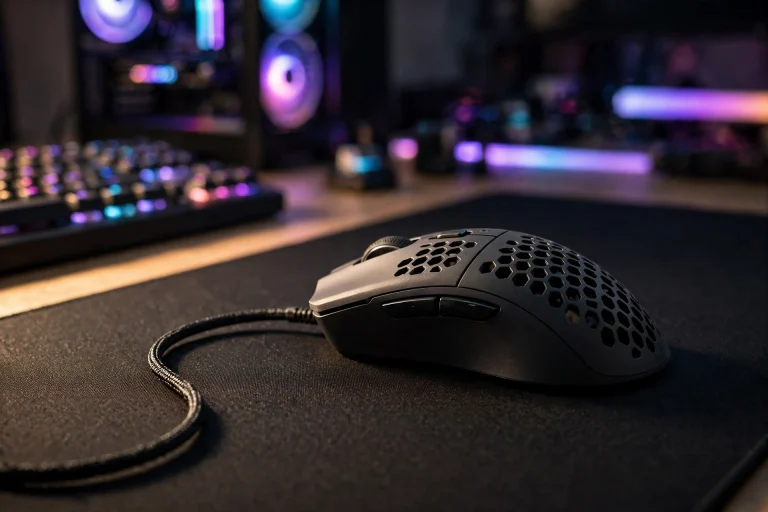
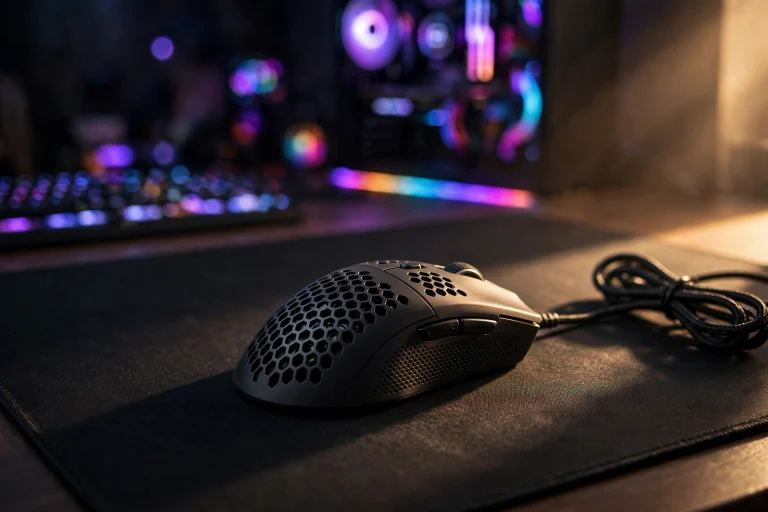
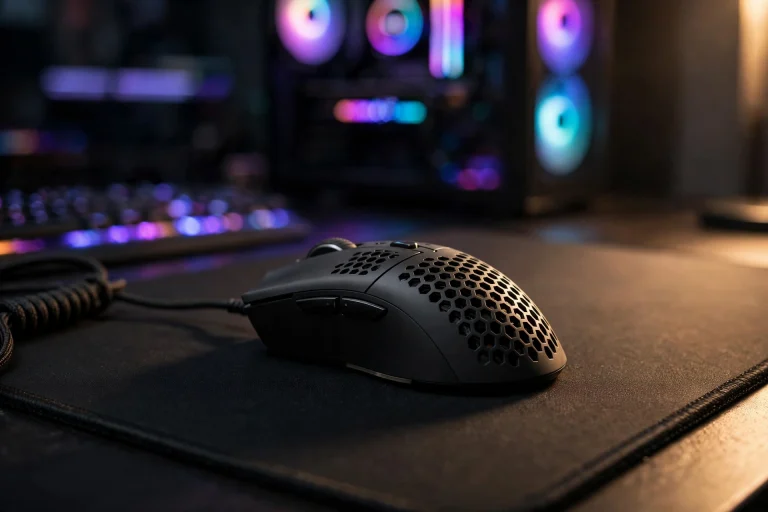
Does a light mouse affect aim accuracy? (Tested & Explained)
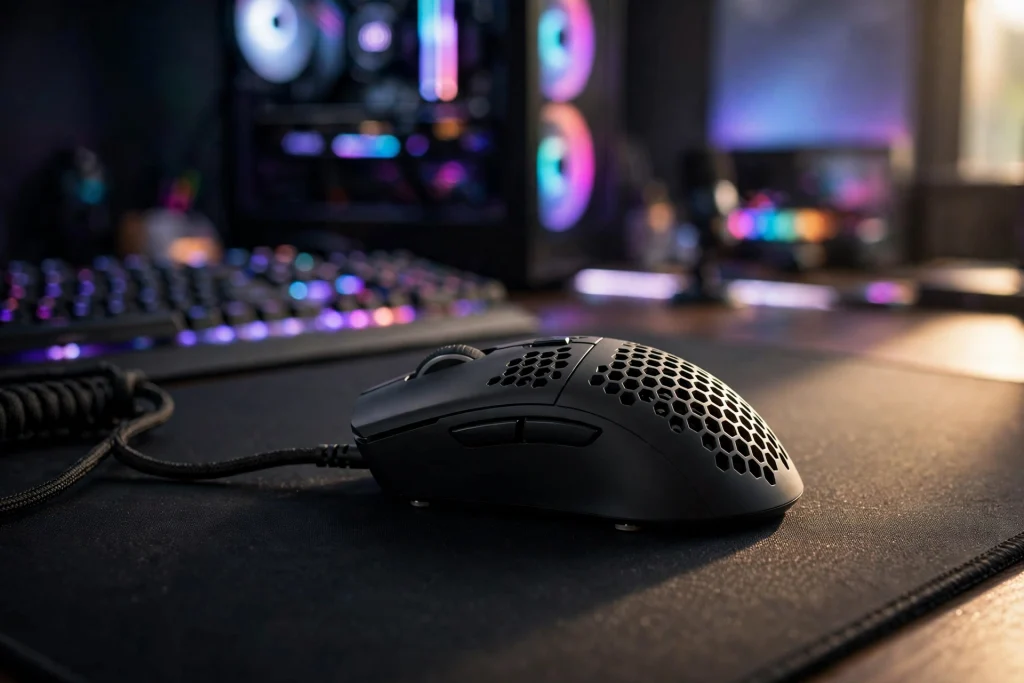
Yes — a light mouse does affect aim accuracy, but not in the magic way marketing suggests. For most players it improves consistency on fast flicks and makes stopping on target easier, because there is less weight to start and stop. It does not fix bad sensitivity, a worn mousepad, or poor crosshair placement. Think of weight as a control tool, not an aimbot.
\u26a1 Quick answer
A light mouse, typically under about 60 grams in modern esports terms, helps most players aim more accurately in fast-paced shooters because it takes less force to move and less force to stop. That means less overshoot on flicks and less fatigue over a long session. The benefit is small and personal — sensitivity, grip, and mousepad matter just as much.
If you play slow tactical games, use high sensitivity, or make mostly small wrist movements, you may notice almost no difference. If you play low sensitivity and make big arm movements, you will probably feel it within one session. Weight alone will not rank you up. Weight plus the right settings makes aim easier to repeat, and repeatable aim is accurate aim.
The Evidence: What Tests Actually Show
When players test light versus heavy mice, they usually run the same drills: flick to a target and stop, track a moving target, and make tiny corrections around a head-sized target. The pattern is not that light mice make everyone dramatically better on day one. It is that they reduce two common errors.
First, overshoot goes down for many players. A heavier mouse carries more momentum. When you flick quickly and try to stop on a target, that momentum can carry your crosshair a few pixels past it, so you have to pull back. A lighter mouse starts easier and stops easier, so those corrections happen less often.
Second, fatigue goes down. Repeatedly starting and stopping a heavier mouse adds up. Tired muscles make smaller, less controlled movements. Players who switch often report aim feels similar in the first ten minutes, but more consistent after an hour.
The evidence also shows limits. Plenty of players aim just as well with a medium-weight mouse, especially if they are used to it. Muscle memory matters — changing weight will make aim feel worse for days while you adjust.
Other changes often get mixed into weight tests, like a new shape, new skates, or a higher polling rate. Polling-rate math sounds huge but feels small: 1000Hz reports every 1ms, while 8000Hz reports every 0.125ms. Most players cannot feel that 0.875ms difference by itself, and 8000Hz can raise CPU load in some titles, so it is not free. See does 8000hz polling rate cause cpu stuttering.
In short, tests support a modest, real benefit for many FPS players — mainly stopping control and endurance — not a huge jump for everyone.
| Factor | Light mouse (typical) | Heavier mouse (typical) |
|---|---|---|
| Starting a flick | Less force, feels quicker | More force, feels slower |
| Stopping on target | Easier, less overshoot for many | More momentum, more overshoot |
| Tracking | Easy direction changes for arm aim | Can feel steadier for wrist aim |
| Fatigue | Lower over long sessions | Higher over long sessions |
| Best for | Low sensitivity, arm aim, fast FPS | Players who prefer a planted feel |
Why a Light Mouse Works This Way
The mechanism is simple physics. To move a mouse, you overcome friction with your mousepad and inertia — the resistance of a still object to moving, and of a moving object to stopping. A lighter mouse has less inertia, so your hand does less work to accelerate it at the start of a flick and less work to slow it at the end.
That start-stop cycle is almost all of aiming. You rarely move at a constant speed. You flick to a corner, stop, make a tiny correction, track for half a second, then flick again. Anything that makes starting and stopping cleaner makes those actions feel more precise.
There is a downside. A very light mouse can feel less stable during slow tracking, because tiny tremors move it more easily. A slower mousepad or a few days of practice can add stability back. Shape matters too: a light mouse that fits your grip feels controlled, while one with the wrong shape feels slippery at any weight.
Glide changes over time. PTFE skates wear visibly: scratches, a shiny ring and a scratchy glide are the classic signs the glide has changed. If your mouse feels inconsistent, check the skates before blaming weight. Weight also connects to how players describe delay, even though it does not change the sensor — see does a light mouse affect input lag.
When It Matters — and When It Honestly Does Not
It matters most when:
- You play low sensitivity and use your arm for big flicks and 180-degree turns.
- You play fast FPS games with frequent direction changes.
- You play long sessions and your wrist or forearm gets tired.
- Your current mouse keeps sliding past targets when you try to stop.
It matters much less when:
- You use high sensitivity and aim with small wrist or fingertip movements.
- You mainly play slow tactical, strategy, or single-player games.
- Your mousepad is very small, so you cannot make big movements.
- Your sensitivity is wrong for you. No weight fixes a sensitivity so high you cannot make small corrections, or so low you cannot turn comfortably.
Software can also undo good hardware. Features that alter your raw path change accuracy differently — see does angle snapping affect aim accuracy. Keep those off while you test weight, so you change only one thing at a time.
How to Apply It: Exact Settings to Use
1. Keep your eDPI the same. eDPI is DPI multiplied by in-game sensitivity. 800 DPI x 0.5 and 1600 DPI x 0.25 give the same eDPI and turn speed. Changing weight and sensitivity together tells you nothing.
2. Try higher DPI with lower in-game sensitivity. Higher DPI with lower in-game sensitivity reduces pixel skipping and lets the sensor register movement sooner, while keeping total eDPI the same when testing. A practical start is 1600 DPI with in-game sensitivity halved versus your old 800 DPI setting.
3. Start with 1000Hz polling. It is stable, works in every game, and keeps CPU load low. Try higher rates later, one step at a time, and watch for stutter.
4. Use a large mousepad and test for three days. Run the same drill each day. Note overshoot, tracking smoothness, and arm fatigue. Day one feels strange with any new weight; by day three the feeling is honest. Also check skates weekly for wear and clean dust from sensor and pad.
| Setting | Beginner starting point | Why |
|---|---|---|
| DPI | 1600 | Smooth registration without changing speed |
| In-game sensitivity | Half your old 800 DPI value | Keeps eDPI the same |
| Polling rate | 1000Hz | Stable, low CPU load |
| Angle snapping | Off | Keeps raw aim path unchanged |
| Mousepad | Large, clean cloth pad | Room for arm flicks |
FAQ
Will a light mouse instantly improve my aim?
No. Most players need a few days to adjust. After that, many notice easier flicks and less overshoot, but the improvement is modest and comes from consistency.
How light should a gaming mouse be for beginners?
A typical modern esports range is roughly 50 to 60 grams, but shape and comfort matter more than chasing the lowest number. Pick a shape that fits your hand first, then choose the lighter version.
Can a mouse be too light?
Yes, for some players. If tracking feels shaky or you make tiny unwanted movements, it may feel too light for your grip or sensitivity. A slightly heavier model, a slower pad, or more practice can help.
Conclusion
A light mouse does affect aim accuracy — mainly by making it easier to start, easier to stop, and less tiring to use. That helps many FPS players, especially low-sensitivity arm aimers, stay consistent longer. It will not overcome poor sensitivity, worn skates, or bad positioning.
Choose a comfortable shape in a light modern weight, set 1600 DPI with eDPI kept the same, stick with 1000Hz to start, and give it three honest days. Judge it on whether your aim feels repeatable. Repeatable is what accurate really means.