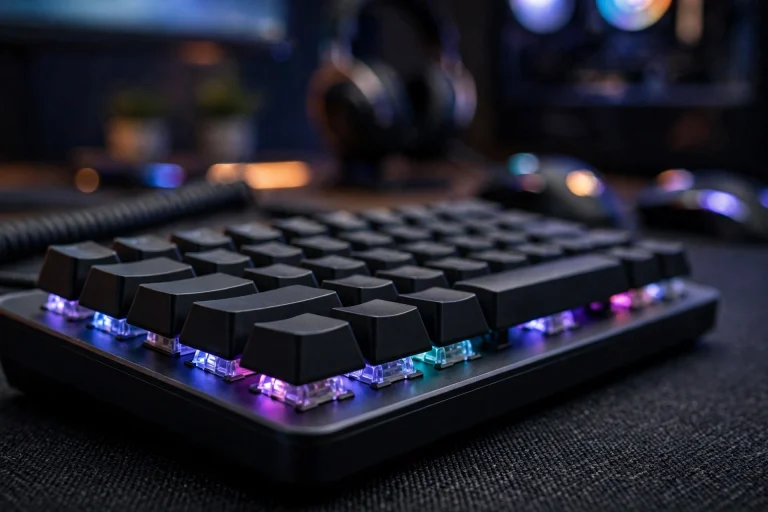
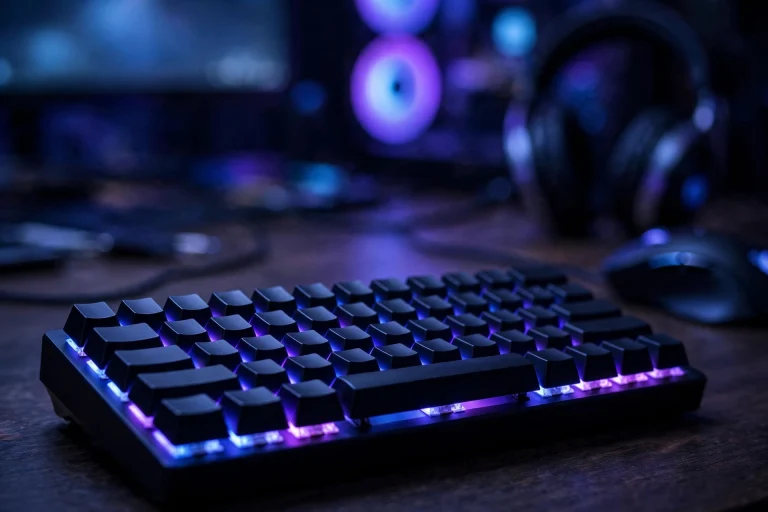
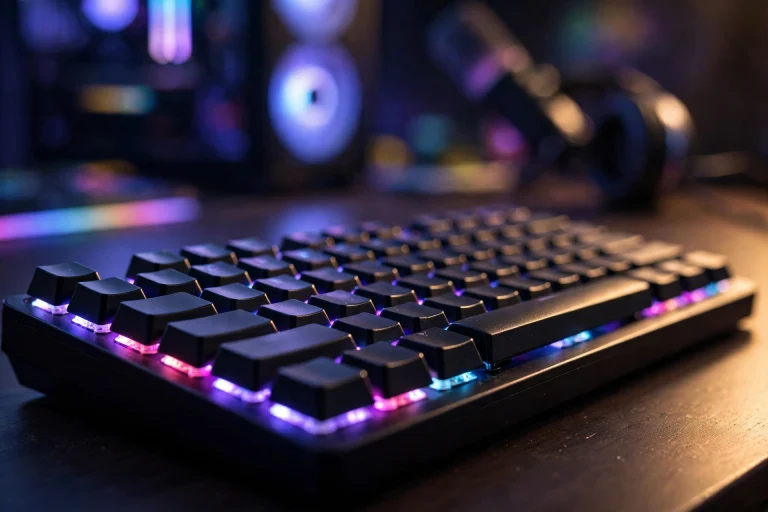
Do keycaps affect typing sound and feel? (Tested & Explained)
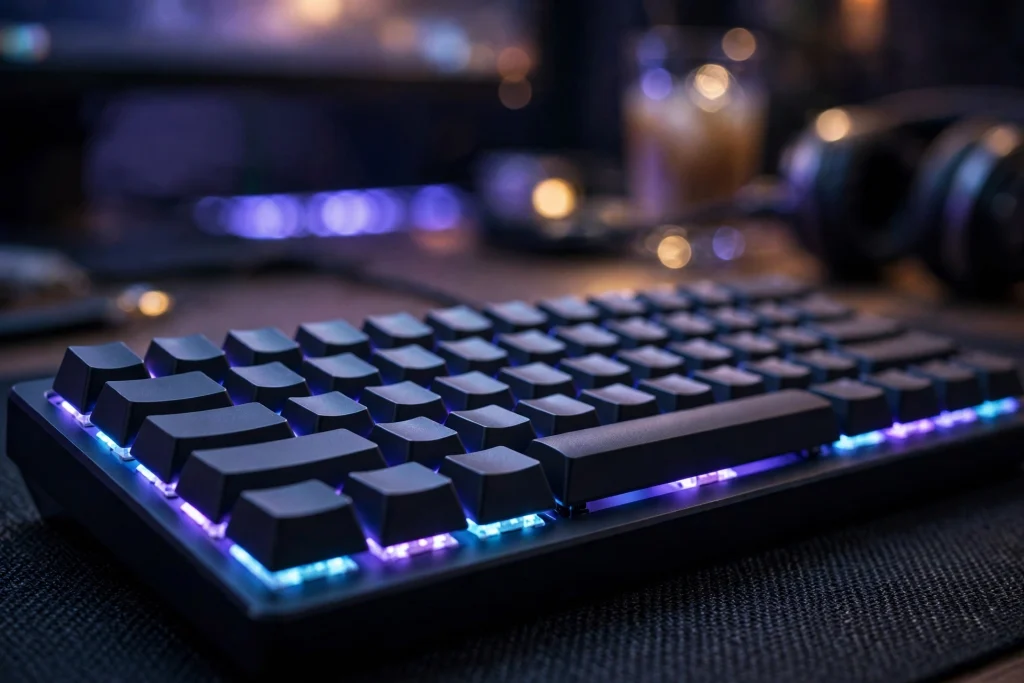
Yes. Keycaps absolutely affect typing sound and feel, often more than beginners expect. Swap a thin, light set for a thicker, denser set on the exact same keyboard and the board typically sounds deeper and feels more solid, even though the switches have not changed at all. The reason is simple: the keycap is the part your finger actually touches, and it is also a small hollow shell that vibrates every time a key bottoms out. Material, thickness, height, and shape all change that experience.
That does not mean expensive keycaps transform a bad keyboard into a great one. Keycaps are one real layer of sound and feel — alongside the switches, case, plate, and desk. This guide explains what they change, what they cannot, and how to choose a set.
\u26a1 Quick answer
The short verdict is this: keycaps change sound and feel, but they do not change how your switch works underneath.
For sound, thicker and denser keycaps typically produce a deeper, more muted tone, while thinner and lighter keycaps typically sound higher, sharper, and more hollow. The shape of the cap also matters, because a taller cap gives sound more room to resonate.
For feel, the keycap’s height, top shape, and surface texture change how your fingers land, how far they travel between keys, and how secure each press feels. A sculpted profile can feel precise and guided. A flat, uniform profile can feel fast and even, but less anchored.
What keycaps do not do is change actuation, reset behaviour, or gaming features inside the switch. Those belong to the switch and firmware, not the plastic shell on top.
The evidence: what actually changes when you swap keycaps
The clearest test is also the simplest one anyone can repeat: keep the same keyboard, the same switches, and the same desk, and change only the keycaps. When people do that swap, three differences show up consistently.
First, the pitch changes. A light, thin-walled set tends to sound bright and “clacky.” A heavier set on the same switches tends to sound lower and softer. Nothing about the switch changed — only the part that vibrates and the surface the sound bounces off.
Second, the feel under your fingers changes. Caps with a slightly concave, sculpted top tend to centre your fingertip. Flat tops feel more uniform from row to row, which some typists prefer and others find slippery. Surface texture matters too: a slightly textured finish typically feels grippier, while a smooth finish can feel slick after long sessions.
Third, wobble changes a little. A cap that fits the stem snugly typically feels more stable; a loose cap can rattle, and that rattle becomes part of the sound.
Here is what typical swaps tend to do:
| Keycap trait | Typical effect on sound | Typical effect on feel |
|---|---|---|
| Thicker, denser walls | Deeper, more muted | More solid, less hollow |
| Thinner, lighter walls | Brighter, sharper, more hollow | Lighter, sometimes rattly |
| Taller profile | More resonant, fuller | Longer reach, more sculpted rows |
| Shorter, flat profile | Tighter, quieter tone | Fast, even, less guided |
| Textured surface | Little change | Grippier, more secure |
| Smooth surface | Little change | Slicker, can feel slippery |
Treat these as typical, reported tendencies, not guarantees. The same set can sound different in a plastic case versus a metal one, because the whole keyboard works as one system.
Why it works this way
A keypress makes sound in a few places at once. The switch clicks or thocks internally, the keycap hits the bottom of its travel, and the case and desk carry the vibration outward. The keycap sits right in the middle of that chain.
Think of the keycap as a small drum shell. A thin shell vibrates easily and rings at a higher pitch. A thick, dense shell resists vibration, so the sound comes out lower and shorter. The empty space under the cap acts like a tiny echo chamber, which is why taller caps often sound fuller than very low ones.
Feel works the same way. Your finger never touches the switch — it touches the cap. The cap’s height decides how high your fingers sit. Its shape decides how they are guided from key to key. Its texture decides how much grip you get. Change any of those and the typing feel changes, even on identical switches.
This is also why keycaps cannot fix everything. If a keyboard feels mushy because of its switches or mounting, new caps only change the surface of that problem.
If you are comparing switch technologies, start with are magnetic hall effect switches better than traditional mechanical before spending money on caps.
When it matters — and when it honestly does not
Keycaps matter most when your keyboard is already decent and you want to tune it. If the switches and case are fine but the board sounds hollow or feels slippery, a better set is often the cheapest, easiest improvement you can make — no soldering, no tools beyond a puller, and fully reversible.
They also matter for comfort. If your fingers slip off keys, or a tall profile makes long sessions tiring, changing profile and texture can make a real daily difference.
Keycaps honestly do not matter much in a few situations:
- When the switches are the problem. Scratchy, mushy, or inconsistent switches will still feel that way under new caps.
- When you expect a gaming performance gain. Caps do not change actuation speed, polling, or reset behaviour.
- When the board itself is very hollow. Caps soften the sound, but a hollow case will still sound hollow.
That second point deserves care, because gaming marketing often blurs it. A 0.1mm actuation setting is not automatically best — resting-finger pressure and key wobble cause accidental presses, and consistency beats the smallest number. Likewise, Hall Effect and analog optical switches both support Rapid Trigger; the feature — per-key reset — matters more than the sensing technology label.
And for competitive play, know the rule check, verified in 2026: Rapid Trigger itself is legal in CS2, because it only changes one key’s activation and reset. Snap Tap and SOCD-style opposing-input features are banned on Valve official servers under the August 19, 2024 input-automation update, and they get players kicked. No keycap changes any of that — those are switch and firmware rules.
For a related gaming basic that caps also cannot change, see do you need n-key rollover for gaming.
How to apply it: exact settings to use
You do not need a huge collection to get the benefit. Follow this simple order:
- Decide your goal first. Quieter and deeper? More grip? Less finger fatigue? One clear goal makes choosing easy.
- Pick thickness and material for sound. For a deeper, softer sound, choose a thicker, denser set. For a bright, lively sound, a thinner set is fine.
- Pick a profile for feel. Choose a sculpted, medium-height profile if you want guided, comfortable typing. Choose a low, flat profile if you want a fast, uniform feel and a shorter reach.
- Check compatibility before buying. Confirm the set matches your keyboard’s layout, its bottom-row sizes, and your switch stems. This one check prevents most returns.
- Change one thing at a time. Fit the new set, type on it for a few days, and only then judge. Your fingers need a short adjustment period with any new height or shape.
- Listen on your real desk. A desk mat typically softens sound noticeably, so test with your normal setup, not on a bare table in a quiet room.
Avoid buying a set only for its colours and then disliking its height, or mixing profiles randomly across rows, which feels uneven.
One last note — if you are choosing accessories too, it helps to know does a coiled cable add input lag so you spend on changes that actually matter.
FAQ
Do expensive keycaps always sound better?
No. Price does not guarantee a sound you will like. A thicker, well-fitting set at a modest price typically beats a thin, loose set at any price. Fit and thickness matter more than branding.
Can keycaps make a loud keyboard quiet?
They can soften and deepen the sound, but they cannot make a loud switch silent. If quiet is the goal, the switch and the board matter more — caps are a finishing touch, not a silencer.
Will new keycaps improve my gaming?
Not directly. They can improve comfort and grip, which helps you play longer without slipping, but they do not change actuation, reset speed, or any in-game advantage.
Conclusion
So, do keycaps affect typing sound and feel? Yes — genuinely and noticeably. Material and thickness shape sound, profile and texture shape feel, and a good set is an easy upgrade. Caps tune a keyboard; they do not rebuild it. Choose one goal, pick thickness for sound and profile for feel, check compatibility, and live with it for a few days.